Every pixel,
a character.
Image ASCII turns photos, video clips and live camera frames into ASCII art you can copy, save and share.
Free for iPhone, iPad and Mac, with a daily allowance of conversions. Pro removes the limit.
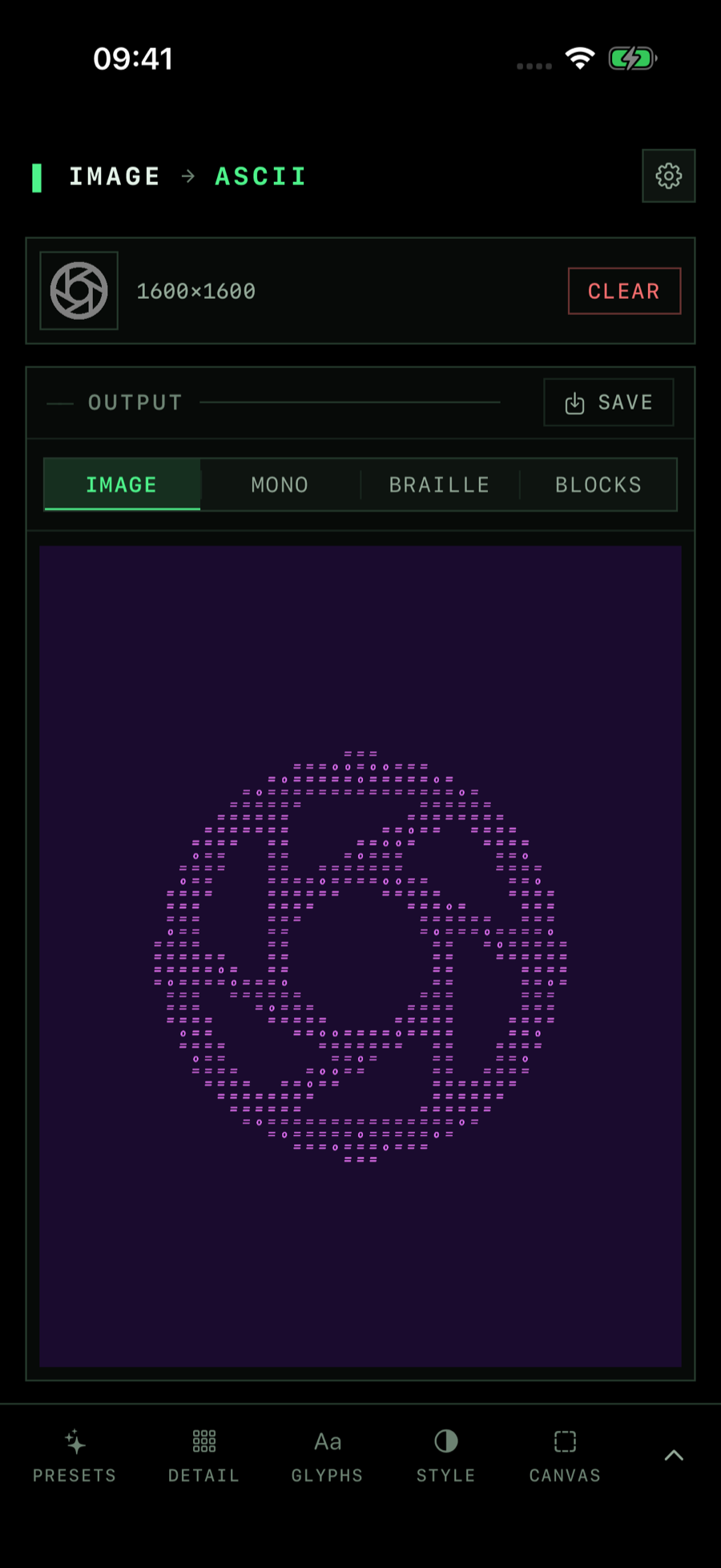
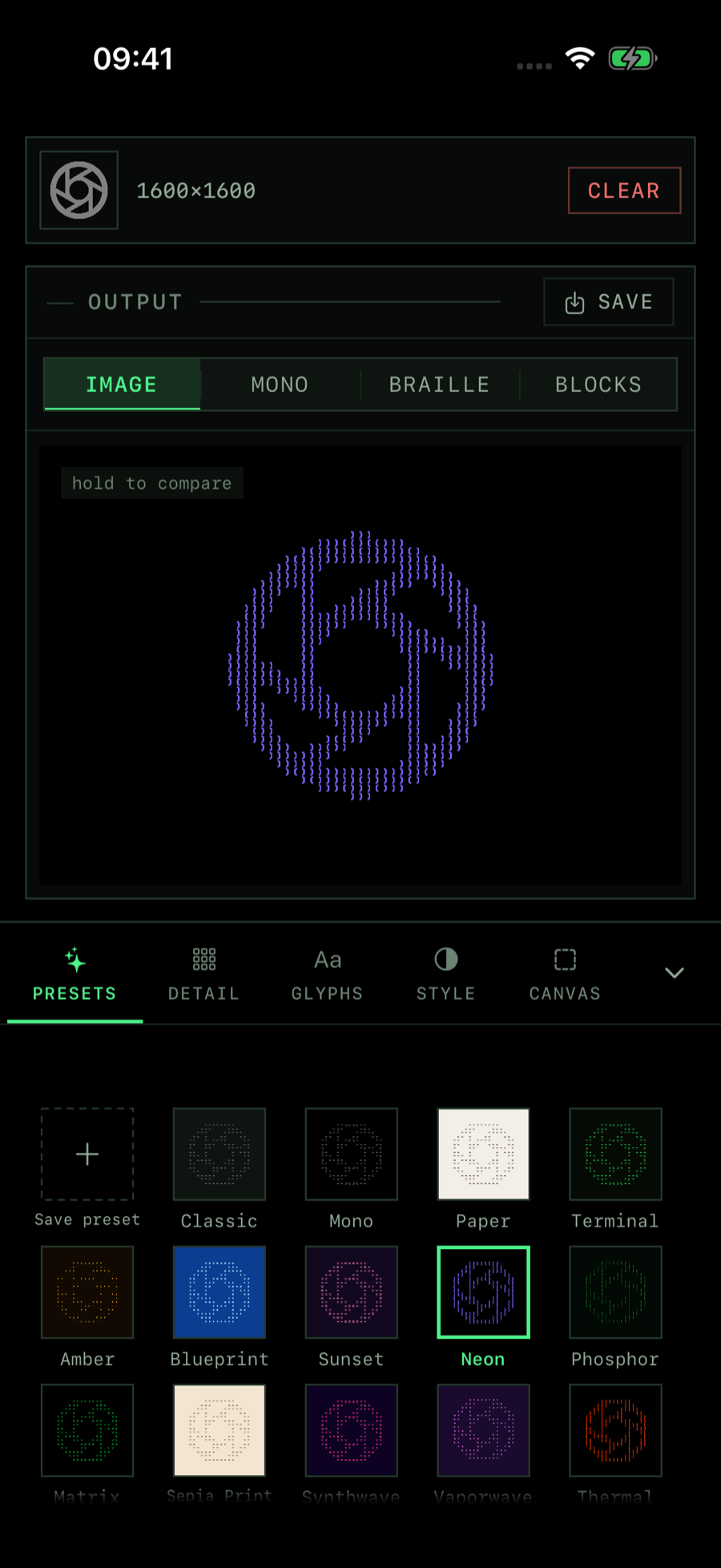
Same app, every screen.
Image ASCII runs natively on all three, with the controls in a sidebar beside your output on iPad and Mac.
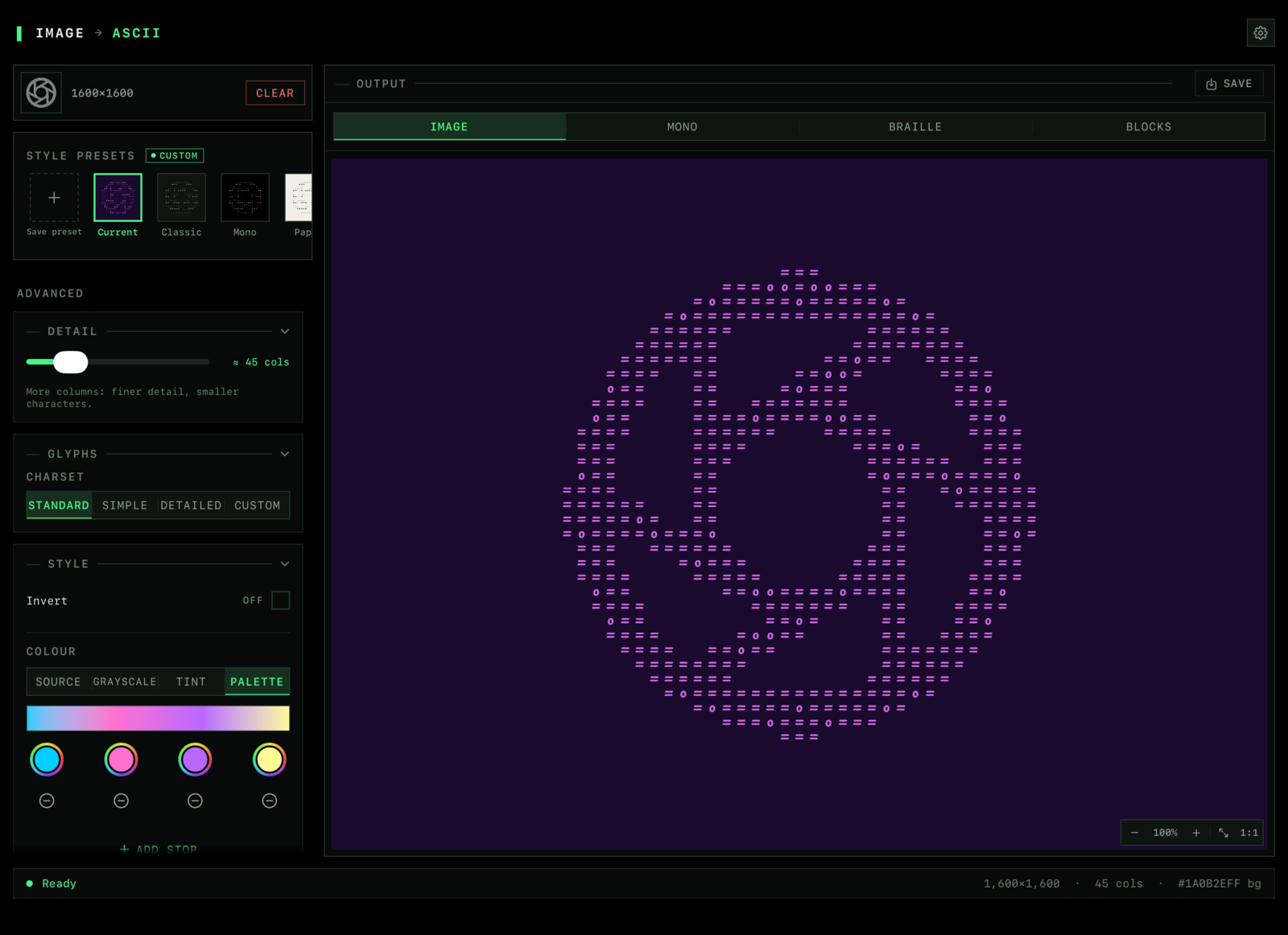
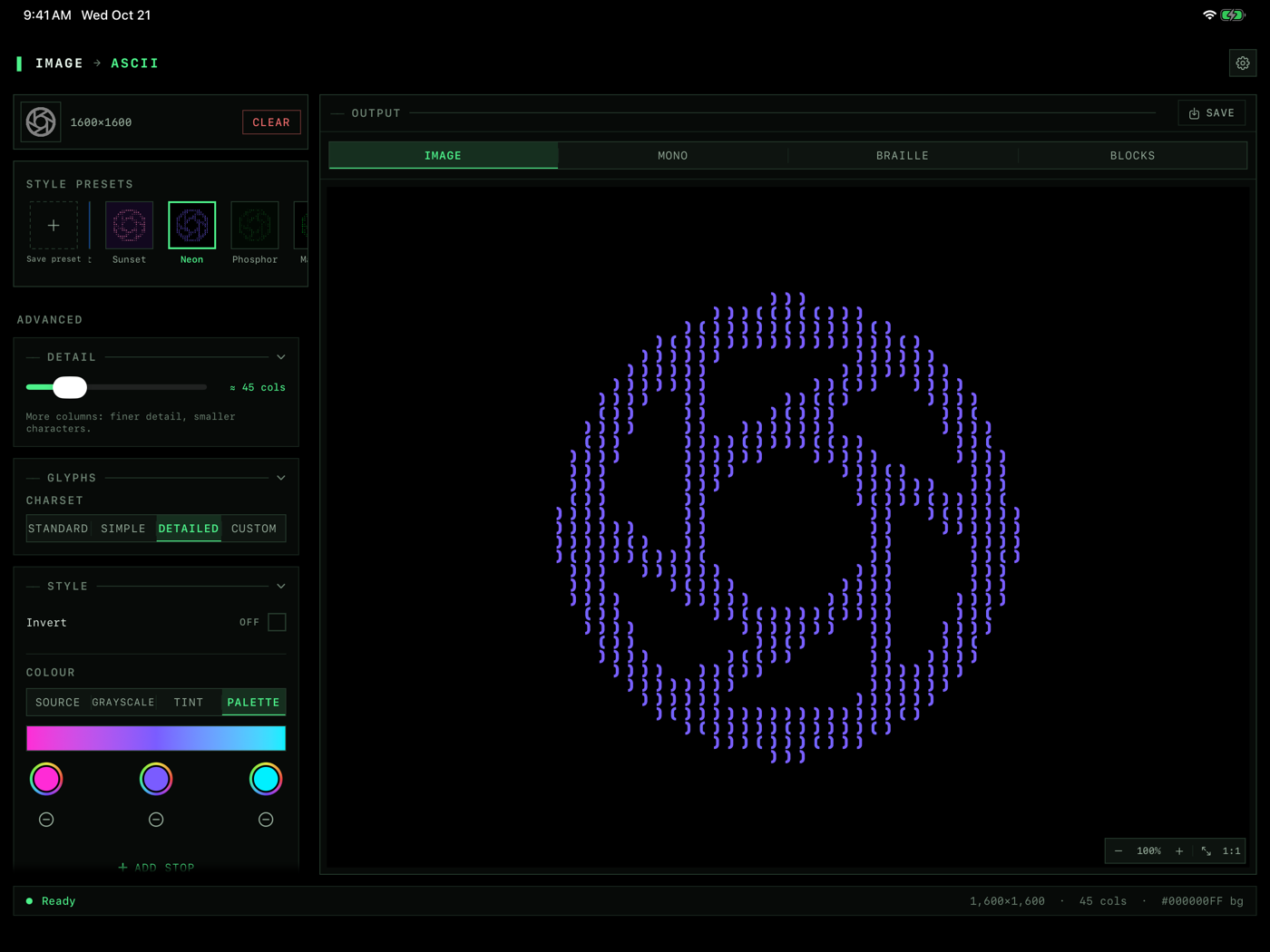
- iPhoneiOS 18 or later
- iPadiPadOS 18 or later
- MacmacOS 14 or later
Pick your medium.
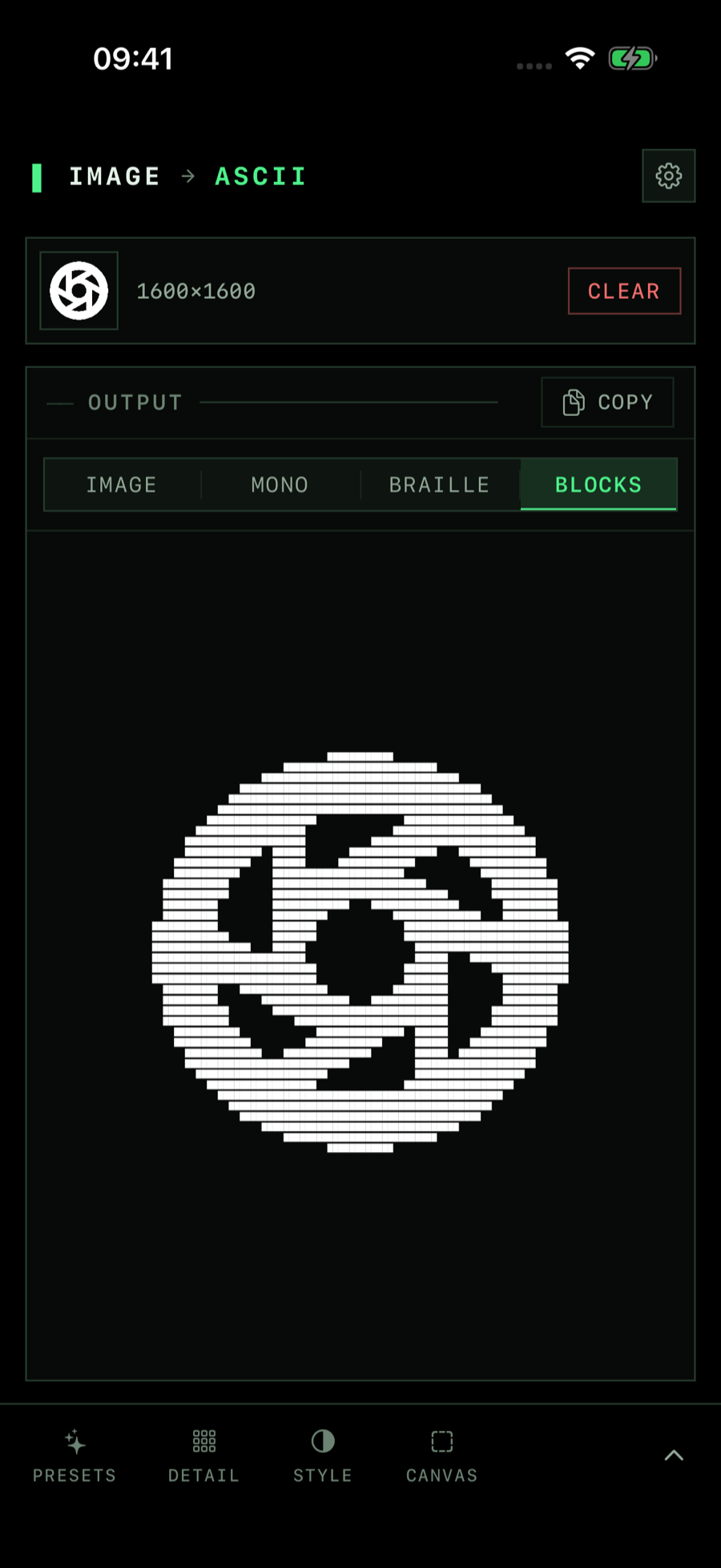
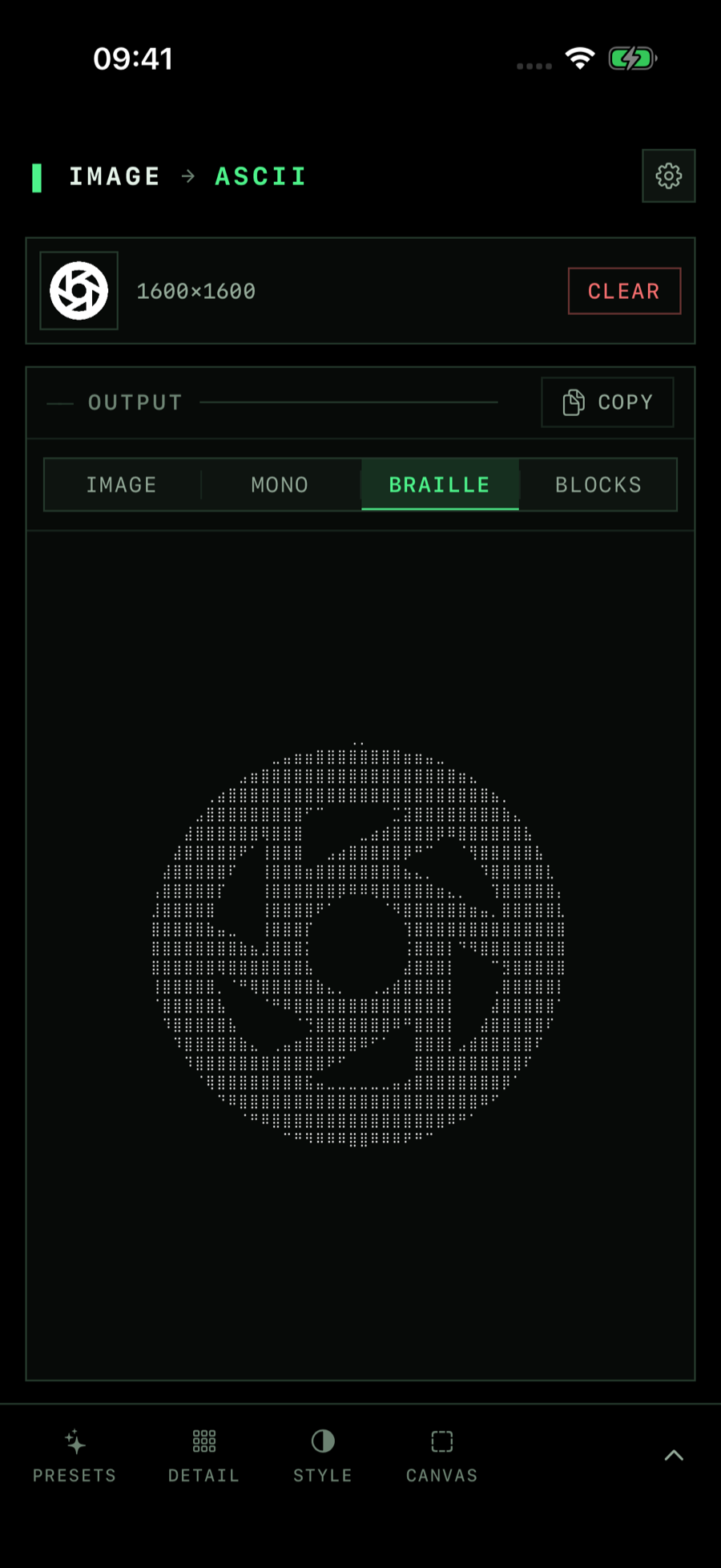
Render as a styled image, plain mono text, braille dots or shaded blocks. Switch style and the result updates right away.
- Image. Coloured or grayscale ASCII drawn onto a picture you can save or share.
- Mono, braille and blocks. Plain text you can paste anywhere, in three different densities.
- Detail. Choose from 10 to 200 columns: more columns, finer detail.
- Remove the background. Keep the subject and drop what is behind it.
- Preset looks. Restyle in one tap, from terminal green to synthwave.
- Send images in from other apps with the share sheet on iPhone and iPad, or Open In.
Your glyphs, your typeface.
Choose a built-in character set, or design your own ramp from darkest to lightest.
- Standard, simple and detailed character sets are included for free.
- Custom character sets.Pro One glyph per brightness level.
- Custom fonts.Pro For Image, video and camera output: Archivo Black, Anton, Rubik Mono One, DM Serif Display, Righteous, Pacifico, Space Mono and VT323.
- Custom palettes and saved looks.Pro Blend up to five colours and keep your own looks.
- Reverse luminance, grayscale and background colour are free.
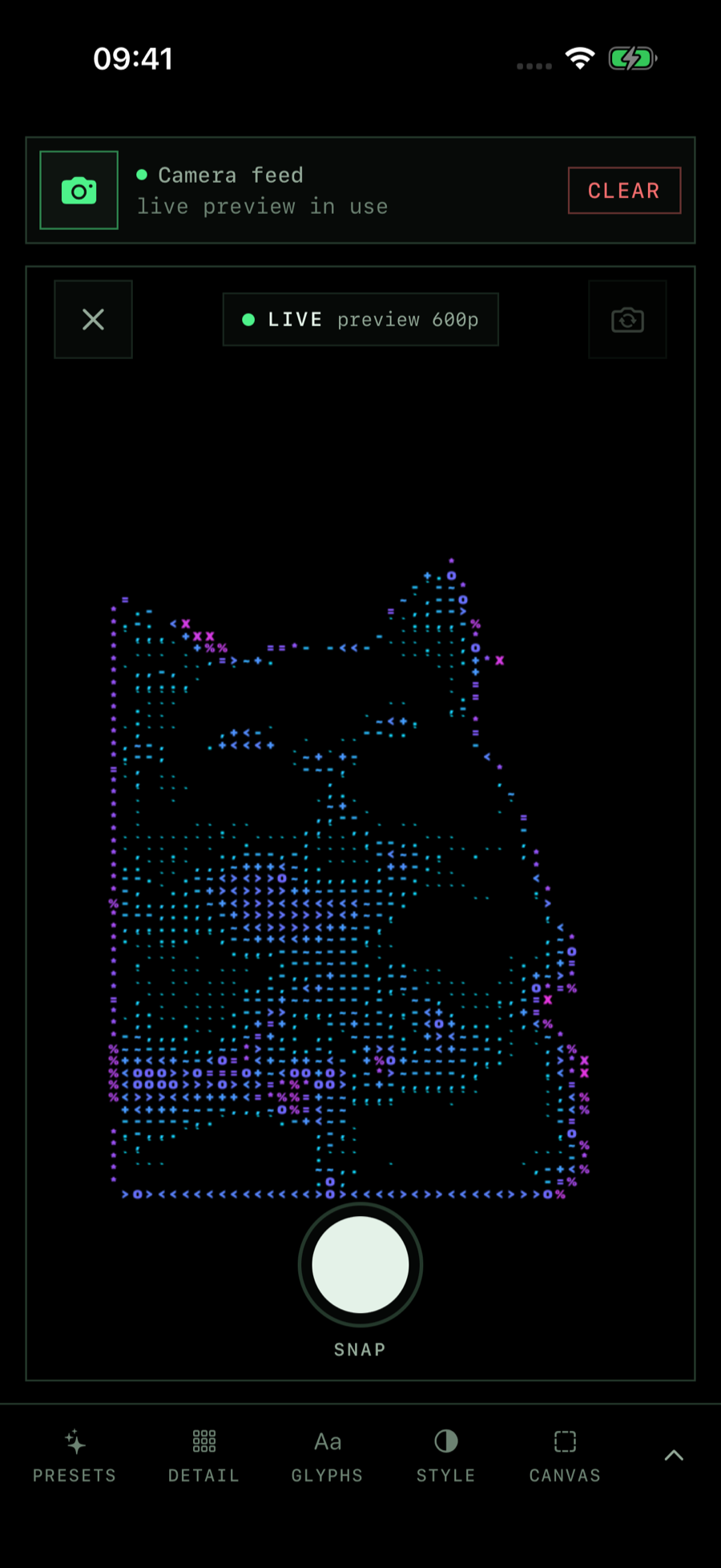
Motion, in monospace.
Convert clips from your library, or point the camera and watch the ASCII preview update live.
- Clips to ASCII video. Export as MP4 (H.264 or HEVC) or as a GIF.
- Live camera. A real-time ASCII preview, with still capture.
- Choose the resolution from 480p up to 1080p.
Convert from anywhere.
Use the Shortcuts app or Siri to turn an image into ASCII art or ASCII text without opening the app.
- Convert Image to ASCII Art returns a rendered picture.
- Convert Image to ASCII Text returns text you can drop into a note or message.
Start for free, go unlimited with Pro.
Free
A daily allowance of new images
- Photo conversion with a daily allowance of new images
- All four styles: image, mono, braille and blocks
- Standard, simple and detailed character sets
- The System Mono font
- Free preset looks and sending images in from other apps
- Copy, save and share your results
- Shortcuts and Siri actions, within the daily allowance
Image ASCII ProPro
Annual, monthly or a one-time lifetime purchase
- Unlimited conversions
- Video to ASCII and the live ASCII camera
- Custom character sets
- Every preset look, saved looks and custom palettes of up to five colours
- Custom fonts for Image, video and camera output: Archivo Black, Anton, Rubik Mono One, DM Serif Display, Righteous, Pacifico, Space Mono and VT323
Prices are shown in the app and on the App Store in your local currency. Subscriptions renew automatically until cancelled.

Make something out of characters.
Your first conversions are free.